Don’t miss a life-saving call or text
If you’re a match for a patient, we may need to contact you quickly, and it could be by phone or text. To ensure you recognise our number and don’t miss an important message, save our contact details directly to your phone. Click the link below and follow the steps to add us to your contacts.
save our contact infoFor iPhone (iOS)
Download the VCF File:
- Tap on the link to the VCF file above (or click here)
- A pop-up may appear asking if you want to download the file – tap Download
Open the Downloaded File:
- After the download is complete, tap the Download icon (⬇️) in the Safari browser (top-right)
- Select the VCF file from the list
Import the Contacts:
- Tap on the VCF file, and it should open in the Contacts app
- Select “Add All Contacts” or choose specific contacts to import
Confirm the Import:
- Stem Cell Donors Australia will be added to your iPhone’s address book automatically.
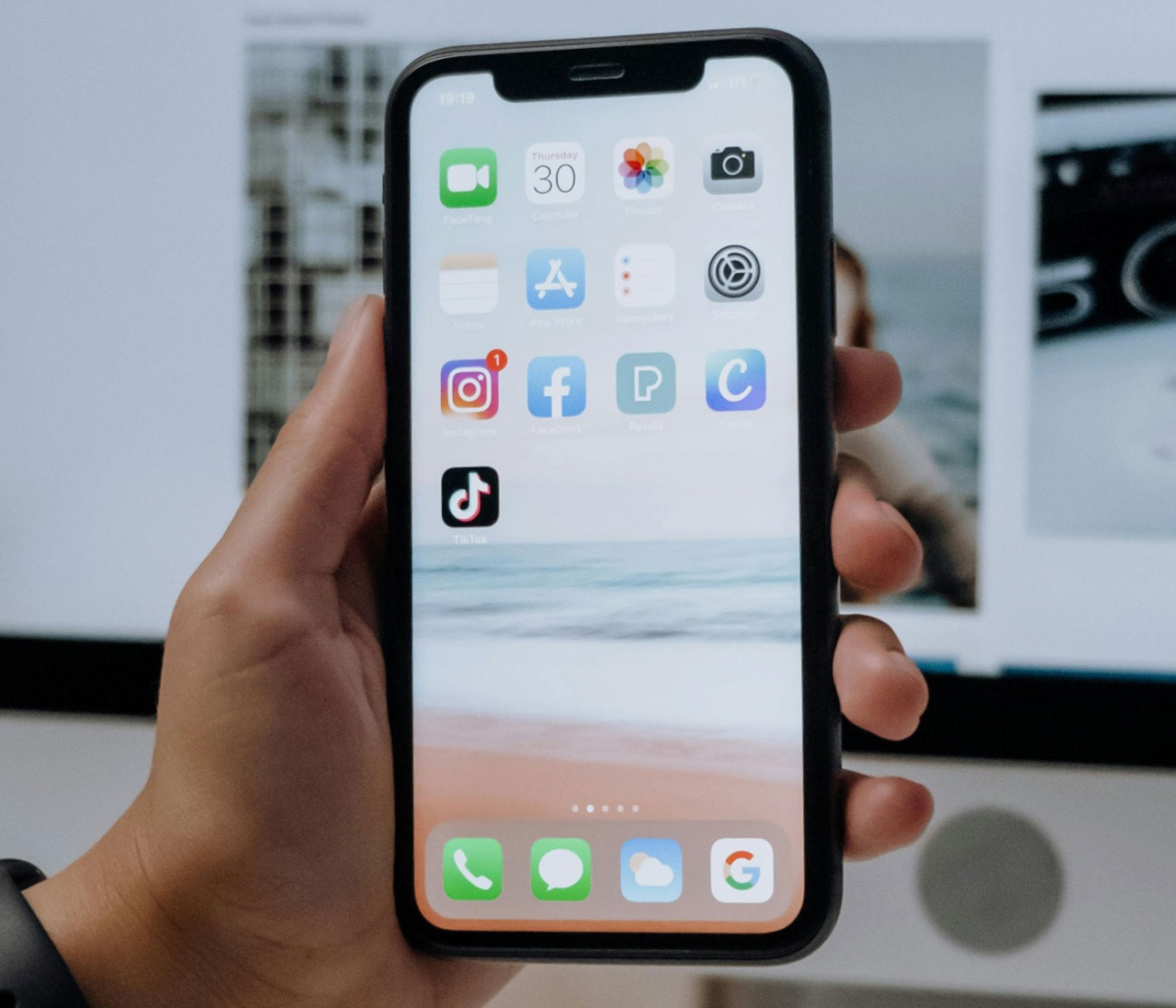
For Android
Download the VCF File:
- Tap on the VCF file link to download it (or click here)
- The file will be saved in your Downloads folder
Open the VCF File:
- Once the download is complete, tap Open in the browser’s download notification; or
- Open your Files or Downloads app and tap the VCF file
Import the Contacts:
- Your phone will prompt you to open the file with the Contacts app
- Select the Google Contacts app or your phone’s default Contacts app
- Tap Save or Import to add the contacts to your phone
Verify the Import:
- Open your Contacts app to ensure Stem Cell Donors Australia has been added as a contact
We can’t reach you without the right details
If your contact details aren’t up to date, we won’t be able to reach you when it matters most. Make sure we have the right phone number and email on file so you don’t miss an important call or text.
Update your details here